
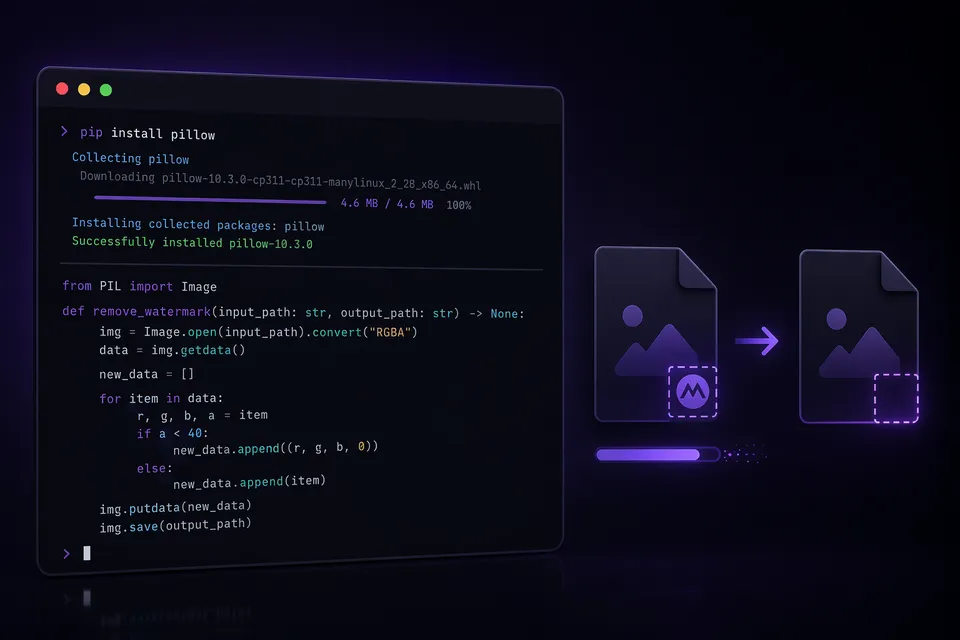
If you prefer the command line over a browser, the open-source gamma-watermark-remover package lets you clean Gamma exports from your terminal in one command. It is the same structural removal engine that powers the browser tool — packaged as a Python CLI and importable library.
Quick start
pip install gamma-watermark-remover
gamma-watermark-remover presentation.pptx -o cleaned.pptx
That is it. The cleaned file appears at the output path with the gamma.app-linked badge removed from every slide master. Works identically for PDFs:
gamma-watermark-remover report.pdf -o cleaned.pdf
What it does under the hood
For PPTX files, the tool unzips the .pptx archive, parses the XML in ppt/slideMasters/ and ppt/slideLayouts/, finds shapes whose hyperlink targets contain gamma.app or gamma.to, deletes those shapes, and re-packs the archive. Everything else — text, images, charts, animations, transitions, speaker notes — stays untouched.
For PDF files, it opens the document with pypdf, locates the watermark image objects on each page (identified by their position and linked annotation), removes them, and writes a new PDF. Page content, metadata, and structure are preserved.
Both engines are pure Python with no native dependencies, so they run on any platform where Python 3.9+ is available.
Using it as a library
For integration into scripts, automation pipelines, or larger applications:
from gamma_watermark_remover import remove_watermark

result = remove_watermark("deck.pptx", output_dir="out/")
print(result.removed)       # True if watermark was found and removed
print(result.output_path)   # Path to the cleaned file
Combine with pathlib.glob for batch processing:
from pathlib import Path
from gamma_watermark_remover import remove_watermark

for f in Path("exports/").glob("*.pptx"):
    r = remove_watermark(str(f), output_dir="cleaned/")
    print(f"{f.name}: {'done' if r.removed else 'no watermark'}")
See the batch removal guide for more patterns.
MCP server for AI agents
The companion gamma-watermark-remover-mcp package exposes the same engine as an MCP tool server. Claude, Cursor, and other MCP-compatible agents can call it to clean files during a conversation:
pip install gamma-watermark-remover-mcp
Add it to your MCP config and the agent gains a remove_watermark tool that processes files locally. The hosted version runs at gammaremover.com/mcp for streamable-HTTP access.
CLI reference
gamma-watermark-remover [OPTIONS] FILE [FILE ...]

Arguments:
  FILE           One or more .pptx or .pdf files

Options:
  -o, --output   Output file or directory (default: {name}_cleaned.{ext})
  -v, --verbose  Show detailed processing info
  --version      Show version and exit
  --help         Show help and exit
Requirements
- Python 3.9+
- Dependencies installed automatically:
pypdf,python-pptx,lxml - No internet connection needed — everything runs locally
- MIT license — free for any use
Frequently asked questions
How is this different from the browser tool? Same removal engine, different interface. The browser tool uses Pyodide (Python compiled to WebAssembly) to run in your browser. The CLI runs native Python on your machine. Results are identical; the CLI is better for automation and batch processing.
Does it support Keynote .key files? Not directly — Keynote is a proprietary Apple format. Export from Gamma as PPTX, clean it with this tool, then open in Keynote. See the Keynote guide.
Can I use it in a Docker container or CI pipeline?
Yes. pip install gamma-watermark-remover works in any Python environment. There is no GUI dependency. A Dockerfile example is in the GitHub repo.
Is the source code auditable? Fully. The GitHub repository is public under the MIT license. You can read exactly what the tool does before running it on your files.