자체 작성 프롬프트 21개영어 프롬프트

Gamma 5 및 AI 프레젠테이션 프롬프트

목표를 정하고 슬라이드를 수정한 뒤 내보낸 파일을 확인하세요. Gamma와 다른 AI 도우미용 자체 작성 프롬프트와 구성 예시를 제공합니다.

업데이트

내용 구성 미리 보기

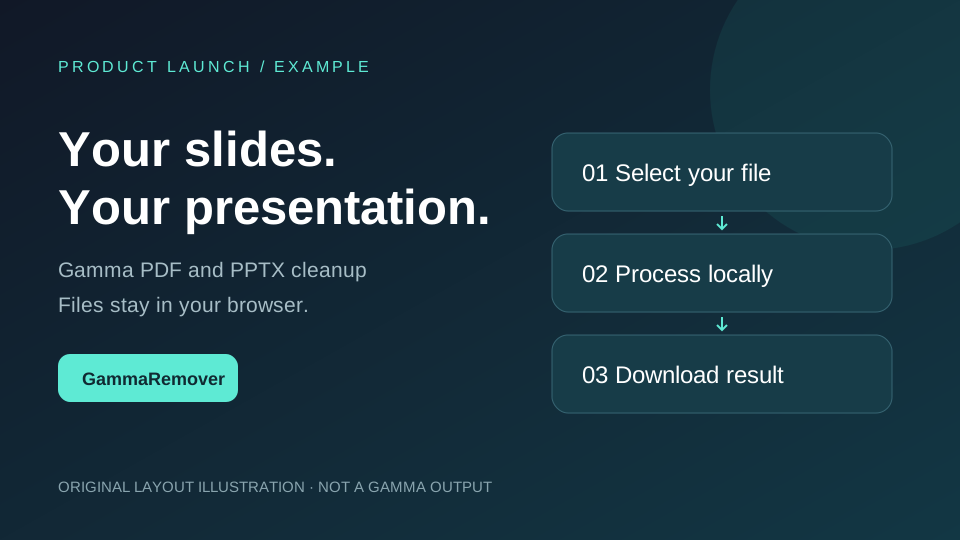
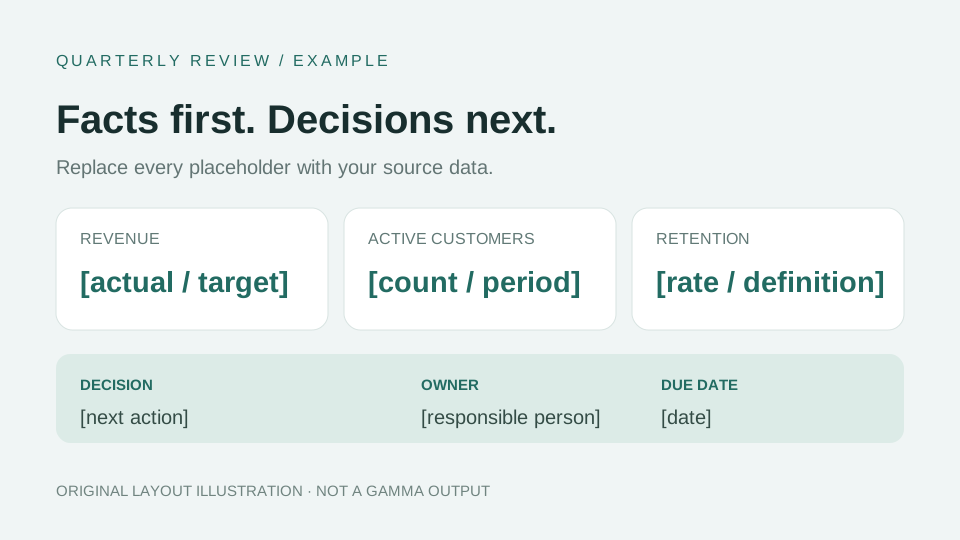
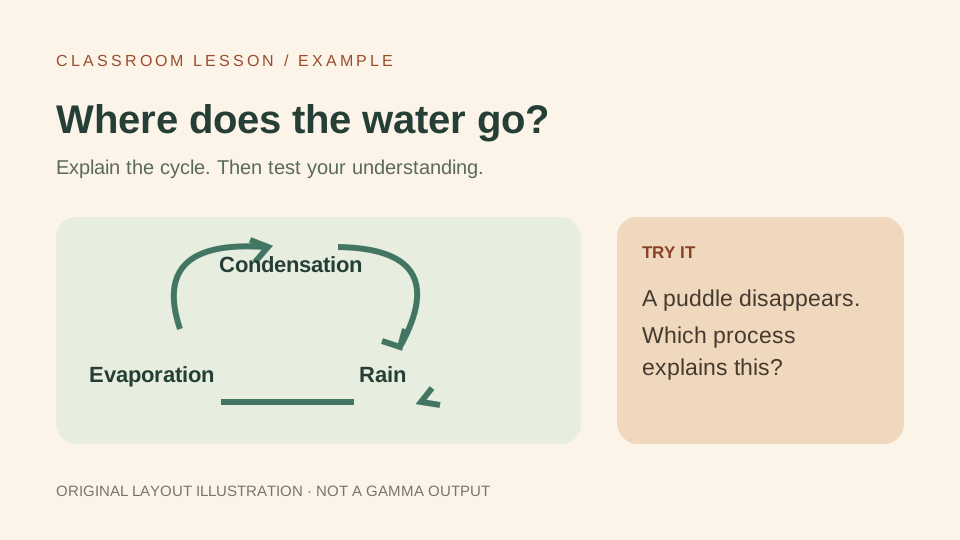
직접 만든 레이아웃 예시이며 Gamma 생성 화면이 아닙니다. 가능한 구성을 보여주며 실제 결과는 입력, 설정과 도구에 따라 달라집니다.

레이아웃 예시 · AI 생성 결과 아님: Product launch · 8 slides

레이아웃 예시 · AI 생성 결과 아님

Product launch · 8 slides

Eight slides with an editable workflow, feature comparison, and a clear next step.

이 프롬프트 펼치기 →
레이아웃 예시 · AI 생성 결과 아님: Quarterly review · facts to decisions

레이아웃 예시 · AI 생성 결과 아님

Quarterly review · facts to decisions

A review with editable KPI comparisons, risks, and an action table.

이 프롬프트 펼치기 →
레이아웃 예시 · AI 생성 결과 아님: Classroom lesson · explain, practice, check

레이아웃 예시 · AI 생성 결과 아님

Classroom lesson · explain, practice, check

An eight-slide lesson with a worked example and a short understanding check.

이 프롬프트 펼치기 →

프롬프트 살펴보기

용도를 선택하고 필요한 자료를 준비한 뒤 시작 프롬프트를 복사하세요. 각 예시에는 초안을 개선하는 후속 지시가 포함됩니다.

프롬프트 본문과 예시는 영어입니다. [대괄호]를 본인 정보로 바꾸고 원하는 출력 언어를 지정하세요. 자체 작성한 시작 템플릿이며 공식 프롬프트나 검증된 Gamma 생성 결과가 아닙니다.

전체 21개 중 21개

Gamma생성초급

Product launch · 8 slides

Eight slides with an editable workflow, feature comparison, and a clear next step.

프롬프트와 설명 펼치기

먼저 준비할 자료

Product name, audience, supported features, screenshots, and launch date.

시작 프롬프트

Build an 8-slide, 16:9 product launch deck for [product] aimed at [audience]. Use these verified facts: [facts]. Structure: 1 cover and proposition; 2 customer problem; 3 product workflow; 4 three supported features; 5 editable comparison table; 6 clearly labeled example; 7 availability and limitations; 8 next step. Use [brand colors], readable text, and varied layouts. Use my screenshots when provided; otherwise label illustrations as examples. Leave missing evidence as placeholders. Show me the outline before designing.

결과 수정하기

Review slides 3 and 5. Make the workflow easier to follow and the comparison easier to scan. Preserve the supplied facts, labels, and slide count.

구성 예시 보기 →

Gamma생성중급

Investor pitch · exactly 10 slides

Ten slides with a problem-to-investment narrative and sourced metrics.

프롬프트와 설명 펼치기

먼저 준비할 자료

Company, customer problem, business model, real traction, team, and funding request.

시작 프롬프트

Create exactly 10 slides for [company] pitching [investor audience]. Use [company notes and verified metrics]. Structure: 1 company and proposition; 2 problem and target customer; 3 solution; 4 product demonstration; 5 market evidence; 6 business model; 7 traction; 8 competition and differentiation; 9 team; 10 funding request and use of funds. Distinguish results from forecasts. Keep unsupported estimates and customer quotes as placeholders. Use one message per slide and editable charts only when data is supplied. Start with a proposed outline.

결과 수정하기

Check the ten-slide structure. Tighten the opening and funding request, flag unsupported claims, and keep projections separate from achieved results.

Gamma생성초급

Quarterly review · facts to decisions

A review with editable KPI comparisons, risks, and an action table.

프롬프트와 설명 펼치기

먼저 준비할 자료

Quarter, audience, KPI table, targets, risks, owners, and decisions required.

시작 프롬프트

Create an 8-slide quarterly review for [quarter and year] for [audience]. Use only [provided KPI table and notes]. Cover executive summary, actual versus target, trends, wins, misses and risks, customer observations, next-quarter priorities, and decisions with owners. Preserve units, dates, and denominators. Show missing values as not provided, not zero. Use editable charts and label forecasts. Finish with an action table containing owner, due date, and success measure.

결과 수정하기

Audit every metric against my source table. Correct mismatched units or dates, and turn the final slide into three explicit decisions.

구성 예시 보기 →

Gamma생성초급

Classroom lesson · explain, practice, check

An eight-slide lesson with a worked example and a short understanding check.

프롬프트와 설명 펼치기

먼저 준비할 자료

Topic, age or level, duration, learning goal, and approved source material.

시작 프롬프트

Design an 8-slide lesson about [topic] for [age or level], lasting [minutes]. Use [approved source material]. Include one learning goal, a familiar opening example, the core idea, a labeled diagram, a worked example, guided practice, three short check questions, and a recap with next practice. Match the vocabulary to the audience. Keep slide text concise and explanations in speaker notes. Verify facts against the supplied sources. Provide question answers separately in the notes.

결과 수정하기

Check that the practice tests the learning goal. Simplify unfamiliar vocabulary, improve diagram labels, and keep answers out of student-facing slides.

구성 예시 보기 →

Gamma생성고급

Thesis defense · evidence and limitations

A defense outline separating findings, interpretation, and limitations.

프롬프트와 설명 펼치기

먼저 준비할 자료

Abstract, research question, methods, findings, citations, and limitations.

시작 프롬프트

Build a [slide count]-slide thesis defense for [committee] from [abstract, methods, findings, and citations]. Organize the argument around question, research gap, method, evidence, interpretation, limitations, and contribution. Preserve cited authors, years, units, and uncertainty. Do not invent references or strengthen findings beyond the source. Use editable figures where data permits. Put detailed methods and likely committee questions in notes. Ask about missing evidence before generating.

결과 수정하기

Identify the three most vulnerable claims and the evidence each needs. Revise overstated conclusions and add limitations without changing findings.

Gamma생성중급

Workshop · a timed, hands-on session

A facilitator deck with a timetable and practical exercises.

프롬프트와 설명 펼치기

먼저 준비할 자료

Skill, audience, session length, materials, and expected take-home result.

시작 프롬프트

Plan a [minutes]-minute workshop on [skill] for [audience]. Participants should finish with [concrete result]. Include an opening task, explanation, demonstrated example, two hands-on exercises, discussion, and a take-home checklist. Assign timings that add up to the session length. State materials and prerequisites. Put facilitator instructions and fallback activities in notes. Distinguish tasks shown on slides from answers kept in notes.

결과 수정하기

Test the timetable for realism. Protect practice time and include a simpler exercise for participants who are new to the topic.

Gamma생성중급

Content calendar · posts with a purpose

A weekly overview and editable calendar with owners and measurement.

프롬프트와 설명 펼치기

먼저 준비할 자료

Audience, product facts, channels, period, assets, and campaign objective.

시작 프롬프트

Create a [weeks]-week content plan for [brand] targeting [audience] on [channels]. Use [verified product facts and available assets]. Make a weekly overview and editable calendar with date, channel, audience question, hook, format, asset, call to action, owner, and measurement. Separate awareness from product education and conversion posts. Mark ideas as proposals. Avoid fabricated testimonials, trend claims, and engagement forecasts.

결과 수정하기

Remove repetitive posts. Add a distinct audience question to each entry and check that proposed assets can be created with the supplied resources.

Gamma생성중급

Campaign proposal · budget to measurement

A campaign pitch with a labeled creative concept and measurement plan.

프롬프트와 설명 펼치기

먼저 준비할 자료

Objective, audience insight, budget, channels, dates, and approved claims.

시작 프롬프트

Build a campaign proposal for [brand and objective] for [stakeholders]. Use [brief, approved claims, budget, and dates]. Include audience problem, main message, creative concept, illustrative assets, channel roles, timeline, budget, measurement, and decisions needed. Make allocations add up to [total budget]. Label mockups as concepts and performance targets as targets. Explain which assumptions require testing before launch.

결과 수정하기

Check budget totals and launch dates. Replace vague success statements with measurable targets and flag claims lacking approval.

Gamma생성초급

Event promotion · an attendee brief

An event deck and reusable short invitation copy.

프롬프트와 설명 펼치기

먼저 준비할 자료

Event, date and time zone, venue, confirmed agenda, speakers, and signup link.

시작 프롬프트

Create an event presentation for [event] aimed at [attendees] using [confirmed details]. Include the value of attending, who it suits, agenda, speakers, date and time zone, venue or joining instructions, supplied accessibility information, and registration link. Leave unconfirmed details as placeholders. Use [visual style]. Add two short invitation messages in notes and check that links and dates agree.

결과 수정하기

Review this as a first-time attendee. Identify unanswered practical questions and make the registration step unmistakable.

Gamma생성초급

Portfolio · three evidence-led case studies

A portfolio explaining the problem, contribution, and result of each project.

프롬프트와 설명 펼치기

먼저 준비할 자료

Role, audience, three projects, your contribution, real assets, and outcomes.

시작 프롬프트

Create a portfolio for [name and role] aimed at [audience]. Use [three projects and approved assets]. For each project show problem, constraints, my specific contribution, process, and documented outcome. Distinguish team results from my own work. Use supplied screenshots; label replacement illustrations. Finish with relevant skills and contact details. Do not invent employers, testimonials, or numerical achievements.

결과 수정하기

Communicate my contribution in one sentence per case study. Remove unsupported impact claims and improve screenshot captions.

Gamma생성초급

Year in review · an honest narrative

A chronological story with lessons and achievable next steps.

프롬프트와 설명 펼치기

먼저 준비할 자료

Year, milestones, approved photos, lessons, and next-year priorities.

시작 프롬프트

Turn [milestones, photos, and reflections] into a [slide count]-slide review of [year]. Start with a theme, group milestones into a narrative, include challenges and lessons, thank named people only when supplied, and end with three next-year priorities. Preserve dates and factual outcomes. Use a warm, specific tone. Do not invent memories, quotations, or achievements to fill slides.

결과 수정하기

Replace generic celebration language with details from my notes and tie each next-year priority to a concrete action.

Gamma생성중급

Visual resume · a portfolio companion

A short visual companion to a conventional text resume.

프롬프트와 설명 펼치기

먼저 준비할 자료

Current resume, target role, approved projects, and contact details.

시작 프롬프트

Create a 6-slide visual resume from [my resume] for [target role]. Structure: summary, verified experience timeline, relevant skills, selected projects, education or certifications, and contact details. Preserve employers, dates, and qualifications exactly. Use only documented achievements. Keep text editable and readable in PDF. Treat this as a portfolio companion, not a replacement for a conventional resume submitted to an applicant tracking system.

결과 수정하기

Check dates and qualifications against my resume and simplify decorative elements that compete with the project evidence.

Gamma수정초급

Page numbers · verify the export

A numbering treatment to verify in the exported file.

프롬프트와 설명 펼치기

먼저 준비할 자료

Existing deck, position, numbering format, and first numbered slide.

시작 프롬프트

Add subtle slide numbers to this deck, starting at [slide], in [position] with [format]. Keep them clear of content and match the theme. Preserve all content and ordering. If the editor cannot apply numbering consistently, explain the limitation and suggest a manual workflow. Do not claim the export is correct until checked.

결과 수정하기

Check the first, middle, and last numbered slides for placement and sequence. Explain what to verify in PDF and PPTX exports.

Gamma수정중급

Speaker notes · a timed talk

Slide-by-slide notes with a realistic total speaking time.

프롬프트와 설명 펼치기

먼저 준비할 자료

Existing deck, speaking time, audience, and delivery style.

시작 프롬프트

Draft speaker notes for this deck for a [minutes]-minute talk to [audience]. Per slide give an opening sentence, up to three talking points, a transition, and estimated time. Keep the total within the talk length and preserve the slide facts. Do not add unsupported statistics. If direct note editing is unavailable, return notes by slide number for me to add manually.

결과 수정하기

Read the notes as spoken language. Remove repetition, leave space for pauses, and show total estimated speaking time.

Gamma수정고급

Navigation · check links, not just labels

A section overview and navigation-link validation checklist.

프롬프트와 설명 펼치기

먼저 준비할 자료

Section names, destination slides, and intended export format.

시작 프롬프트

Add a table of contents using the actual sections in this deck. Match labels to destination slides. Where supported, make links clickable and add a return path. Preserve content and order. Distinguish navigation on the shared Gamma page from what survives PDF or PPTX export. If links cannot be created, use a static contents slide and say so.

결과 수정하기

List each destination and how to test it in shared and exported files. Do not describe an untested link as working.

Gamma수정초급

Gamma 5 · restyle without rewriting

A visual refresh with approved content preserved.

프롬프트와 설명 펼치기

먼저 준비할 자료

Existing deck, visual references, brand colors, and audience.

시작 프롬프트

The content and slide order are approved. Restyle this deck for [audience] using [visual reference] and [brand colors]. Preserve every fact, heading, chart value, and existing edit. Use readable typography, whitespace, and varied but consistent layouts. Propose two directions before applying one. Tell me the fallback when a supplied font or asset is unavailable.

결과 수정하기

Apply the selected direction. Check contrast, clipping, and consistency, and list elements needing a manual export check.

공식 사용 가이드 ↗

Gamma준비초급

Gamma 5 · reusable personal instructions

An instruction block for Customize → Custom Instructions.

프롬프트와 설명 펼치기

먼저 준비할 자료

Language, audience, brand colors, typography, and sourcing rules.

시작 프롬프트

Write a concise personal instruction block for my Gamma projects using [preferences]. Specify language, tone, readability, brand colors, and missing-data handling. Separate flexible preferences from firm factual rules. Use provided figures and sources; label missing facts rather than inventing them. Keep instructions reusable across topics and flag conflicting preferences for me to resolve.

결과 수정하기

Reduce the block to the rules that matter most. Explain preferences versus firm requirements before I save it.

공식 사용 가이드 ↗

Gamma준비고급

Reusable template · slide-level guidance

Template-wide and per-slide guidance. Requires an eligible Gamma plan.

프롬프트와 설명 펼치기

먼저 준비할 자료

Template, intended users, required fields, and slides to preserve.

시작 프롬프트

Draft instructions for this [template purpose] template. Give a template-wide block and short per-slide guidance for required input, intended outcome, and missing-data handling. Identify slides to preserve during AI generation. Keep approved brand and legal text. These instructions must be configured in Gamma; pasting this message alone does not create or lock a template. Check that my plan supports template instructions.

결과 수정하기

Test the guidance against a different example customer. Identify ambiguous fields and hardcoded details that should become placeholders.

공식 사용 가이드 ↗

일반 AI 도우미준비초급

Any AI assistant · notes to a deck brief

A text brief and outline to take into any presentation tool.

프롬프트와 설명 펼치기

먼저 준비할 자료

Raw notes, audience, desired decision, length, and available evidence.

시작 프롬프트

Turn [raw notes] into a presentation brief for [audience] whose goal is [decision or outcome]. Return audience needs, one message, an [N]-slide outline, evidence needed for each slide, and questions about missing information. Preserve facts. Mark assumptions and unsupported claims. Return structured text only, not a claimed slide file. Make the brief usable in Gamma or another presentation editor.

결과 수정하기

Challenge the outline: what can be removed, what is missing, and which slide supports the decision? Return a tighter version.

일반 AI 도우미준비중급

Any AI assistant · data to a clear story

A text narrative with chart specifications and caveats.

프롬프트와 설명 펼치기

먼저 준비할 자료

A non-sensitive table, date range, metric definitions, and audience.

시작 프롬프트

Analyze [data table] for [audience] over [date range]. Check metric definitions, units, missing values, and comparable periods. Return three supported observations, exact values behind each, a chart specification, caveats, and a slide outline. Do not sum distinct-user counts across dates or infer causation from correlation. State missing evidence. Return text and tables for review before creating slides.

결과 수정하기

Recalculate percentages from the supplied values. Flag comparisons with different denominators and soften unsupported claims.

일반 AI 도우미준비초급

Any AI assistant · review before presenting

A review table with specific edits and unresolved evidence gaps.

프롬프트와 설명 펼치기

먼저 준비할 자료

Slide text or outline, supporting sources, and audience.

시작 프롬프트

Review [slide text] against [source material] for [audience]. Return a table with slide number, claim, supporting source, concern, and correction. Check consistency, citations, labels, overstated conclusions, and jargon. Keep verified figures unchanged. Treat absent evidence as unresolved, not false. Do not claim to inspect visual layout when I supplied only text.

결과 수정하기

Rewrite only flagged passages, preserve the rest, and list unresolved claims that still need a human check.

목표 설정부터 내보내기 확인까지

01

대상, 목표, 자료와 출력 형식을 준비하세요. AI 도우미로 메모를 요구사항으로 정리할 수 있습니다.

02

Gamma에서 Plan으로 개요를 확인하거나 Express로 초안을 만든 뒤 채팅에서 개별 슬라이드를 수정하세요.

03

사실과 구성을 확인하고 내보낸 PDF 또는 PPTX에서 글꼴, 링크, 표와 브랜드 표시를 점검하세요.

Research는 Plan과 함께 사용합니다. Gamma 5는 개인 지시를 지원하며 템플릿 지시에는 해당 요금제가 필요합니다. 공식 가이드에서 확인하세요.

공식 사용 가이드 ↗

공식 가이드 및 디자인 자료

프롬프트는 자체 작성했습니다. 링크는 제품 사용법과 디자인 참고 자료이며 예시 결과를 인증하지 않습니다.

더 알아보기

Gamma 5 사용 가이드: 프롬프트, 수정, 내보내기 확인 →

Gamma 5의 Plan·Express 흐름을 알아보고, 직접 작성한 프롬프트로 발표 자료를 만드세요. 승인된 내용을 보존하며 PDF·PowerPoint 내보내기를 확인하는 방법입니다.

감마 내보내기 파일 정리

이러한 감마 프롬프트로 덱을 만든 후 공유하기 전에 GammaRemover를 사용하여 지원되는 PDF 및 PPTX 내보내기에서 감마 워터마크 요소를 제거하세요.

면책 조항: Gamma.app와 제휴 관계가 없습니다. 모든 프롬프트는 교육 목적으로 있는 그대로 제공됩니다.