
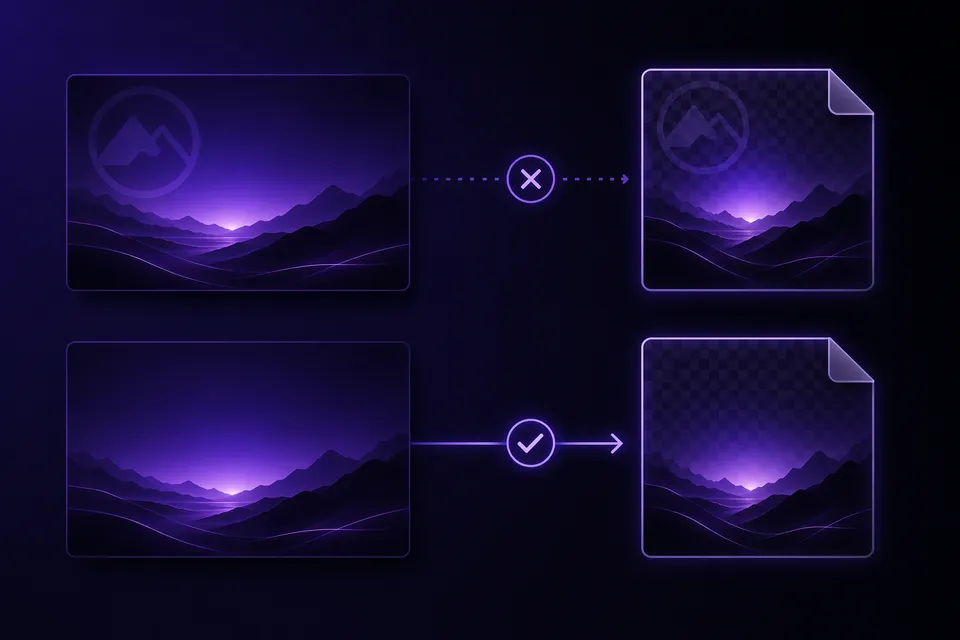
Exporting a Gamma deck as PNG images gives you one picture per card — handy for Instagram carousels, Notion embeds, or thumbnails. But on the free plan, each image carries the "Made with Gamma" badge, and unlike the PDF and PPTX exports, the badge in a PNG is part of the image pixels. There is no object to select and delete. This guide covers what actually works, starting with the route that gives a perfect result.
Why PNG is the hardest format for this
In a PPTX export the watermark is a separate shape linked to gamma.app, sitting on the slide master. In a PDF it is a distinct image object on the page. Structural removers like GammaRemover find that object and delete it, leaving every other byte untouched.
A PNG has no objects — it is a flat grid of pixels. When Gamma renders the export, the badge is drawn into the image itself. Removing it means either regenerating those pixels (inpainting), cutting them off (cropping), or avoiding the problem by cleaning the deck before it becomes an image. That last one is the only lossless option.
Best method: clean the deck first, then make your images
Instead of fighting the pixels, remove the watermark at the file-structure level and re-export your images from the cleaned deck:
- In Gamma, export your deck as PowerPoint (.pptx) (Share, then Export, then Export to PowerPoint).
- Drop the file into the PPTX watermark remover — the gamma-linked badge shape is deleted from the slide masters in seconds, in your browser, with nothing uploaded.
- Convert the cleaned deck to PNGs:
- PowerPoint: File, then Save As, choose PNG, and pick All Slides — you get one image per slide.
- Google Slides: import the cleaned PPTX, then File, then Download, then PNG image per slide.
- LibreOffice Impress (free, no account): File, then Export, per-slide PNG.
The result is pixel-perfect: no smudge where the badge used to be, full resolution, and it works for a 40-card deck as easily as for one.
If you only have the PNGs
Sometimes the original Gamma deck is gone and the ZIP of PNGs is all you have. Your options, in order of quality:
- Crop the bottom strip. The badge sits near the bottom edge. If that area is empty background, cropping 40–60 pixels off every image is fast (any batch image tool can do it) — but it changes the aspect ratio and cuts any content near the edge.
- Inpaint the badge area. Photo editors can rebuild the area: object-removal in Photoshop (Content-Aware Fill), GIMP's Heal tool, or AI object-removal tools. On flat, single-color backgrounds this is invisible; on gradients or photos it can leave a visible smudge. You also repeat it per image.
- Cover it. Placing a rectangle in your background color over the badge is the crude version of inpainting — acceptable for a quick internal share, obvious on anything textured.
All three degrade or alter the image. If you can re-export from Gamma at all, the clean-deck route above beats them every time.
PNG routes compared
| Clean deck, then re-export | Crop | Inpaint per image | |
|---|---|---|---|
| Image quality | Perfect | Loses bottom edge | Depends on background |
| Effort for 30 cards | One file, once | Batch-scriptable | 30 manual edits |
| Keeps original resolution | Yes | No (shorter) | Yes |
| Needs the original deck | Yes | No | No |
Frequently asked questions
Does exporting from Gamma as PNG remove the watermark? No. On the free plan the badge appears in every export format — PDF, PPTX, and PNG. In PNGs it is rasterized into the image, which makes it the hardest format to clean afterwards.
Can GammaRemover clean PNG files directly? No — and neither can any structural tool, because a PNG has no watermark object to remove. GammaRemover cleans the PPTX or PDF export losslessly; re-export your images from the cleaned deck as shown above.
I need images for social media — what's the fastest clean workflow? Export PPTX from Gamma, clean it in the PPTX remover, open it in PowerPoint or Google Slides, and save all slides as PNG. About two minutes end to end, and every image is badge-free at full quality.
Would upgrading to Gamma Plus fix my existing PNGs? No. Upgrading removes the badge from future exports only — files you already downloaded keep their watermark. More on that in our free-vs-paid breakdown.