
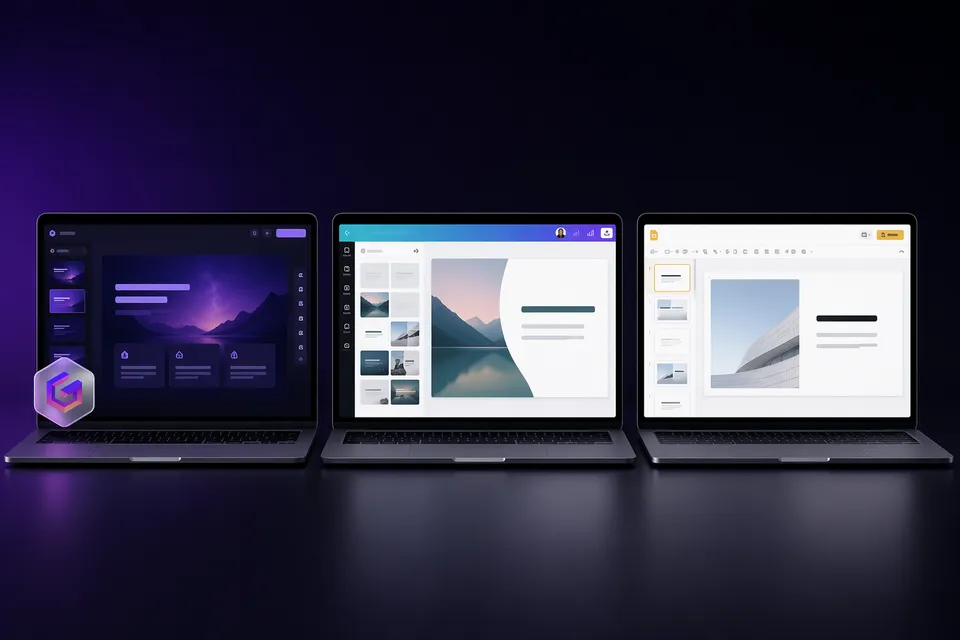
Gamma generates a full presentation from a text prompt in under a minute. PowerPoint gives you pixel-level control over every element on every slide. They solve the same problem from opposite directions, and the right choice depends on what you value more: speed or precision.
We tested both on the same real-world tasks to make a concrete comparison.
The short answer
Choose Gamma if you want the fastest path from idea to finished deck. You describe the content; AI handles design, layout, and images. Best for internal meetings, pitch drafts, and anyone who hates designing slides.
Choose PowerPoint if you need exact control over charts, data, animations, and branding. Best for formal client deliverables, data-heavy reports, and environments where .pptx is the required format.
AI features compared
| Gamma | PowerPoint (Microsoft 365) | |
|---|---|---|
| Full deck from prompt | Yes (30-60 seconds) | Copilot generates outline + basic slides |
| Image generation | Built-in (Gamma Imagine, multiple AI models) | Copilot can suggest images; limited built-in generation |
| Natural language editing | "Make slide 5 more visual" works | Copilot handles simple requests; complex edits need manual work |
| Smart layouts | AI picks layouts per slide | Designer suggests layouts for existing content |
| Template variety | 100+ AI themes | 1000s of templates via Microsoft + third-party |
Gamma wins on generation. A single prompt produces a complete, styled deck with images and hierarchy. PowerPoint Copilot assists but does not replace manual slide building.
PowerPoint wins on precision. Move any element to any pixel. Gamma's card-based system is faster but less flexible for bespoke layouts.
Free plan comparison
| Gamma | PowerPoint | |
|---|---|---|
| Free access | Yes (400 lifetime credits) | Web version free; desktop requires Microsoft 365 ($6.99/mo+) |
| AI features free | Yes (within credit limit) | Copilot requires Microsoft 365 Copilot add-on (~$30/mo) |
| Watermark | "Made with Gamma" on all free exports | None |
| Export formats | PDF, PPTX, PNG | PPTX, PDF, PNG, ODP |
| Offline editing | No (browser-only) | Yes (desktop app) |
PowerPoint wins on clean exports. No watermark ever, even in the free web version. Gamma's free exports all carry the Made with Gamma badge, though you can remove it for free with a browser-based tool.
Gamma wins on AI access. Getting AI generation in PowerPoint means paying for both Microsoft 365 and the Copilot add-on. Gamma's free plan includes AI generation out of the box.
PPTX export quality
This matters if you create in Gamma but present in PowerPoint, which many users do.
Gamma exports .pptx files, but the conversion is not perfect:
- Fonts may shift if Gamma uses web fonts that PowerPoint does not have installed locally.
- Animations and transitions from Gamma are partially lost or simplified.
- Layouts can drift slightly, especially gradients, shadows, and layered elements.
- The watermark sits on the slide master (not individual slides), which is why you cannot click it in normal view. It must be removed from the master, or use a dedicated removal tool.
If PPTX compatibility is critical, PowerPoint-native workflows avoid these issues entirely.
Collaboration and sharing
| Gamma | PowerPoint | |
|---|---|---|
| Real-time co-editing | Yes (browser) | Yes (web + desktop) |
| Sharing without software | Web link (no install needed) | Needs PowerPoint or browser |
| Comments and reactions | Built-in | Built-in |
| Analytics (who viewed) | Yes (Pro plan) | Limited (via SharePoint) |
| Version history | Yes | Yes |
Gamma wins on frictionless sharing. Recipients view in a browser with no login or software. PowerPoint files require the app or web viewer, and formatting can change between environments.
Pricing comparison
| Plan | Gamma | PowerPoint |
|---|---|---|
| Free | $0 (400 credits, watermark) | $0 (web only, no Copilot) |
| Individual | $9/mo (Plus, no watermark) | $6.99/mo (Microsoft 365 Personal) |
| With AI | $9/mo (included) | ~$37/mo (365 + Copilot add-on) |
| Team | ~$20/seat/mo | $12.50/seat/mo (365 Business) + $30/seat Copilot |
Gamma is cheaper for AI-powered creation. Full AI at $9/mo vs $37/mo+ for PowerPoint with Copilot. PowerPoint is cheaper if you only need manual editing without AI.
Who should pick which
| Use case | Better choice | Why |
|---|---|---|
| Quick internal deck from an idea | Gamma | 60-second generation vs hours of manual work |
| Client pitch with exact brand guidelines | PowerPoint | Pixel-level control, no conversion artifacts |
| Student presentation | Gamma | Free AI generation; remove watermark for clean submission |
| Data-heavy quarterly report | PowerPoint | Native charts, pivot table integration, precise formatting |
| Startup pitch deck (first draft) | Gamma | Speed to iterate; export to PPTX for final polish |
| Corporate environment (IT mandated) | PowerPoint | Compliance, SSO, admin controls, offline access |
Our verdict
Gamma for drafts, PowerPoint for finals. The strongest workflow in 2026 is using Gamma to generate the first version in seconds, then exporting to PowerPoint for precision finishing. If you go this route, clean the export first to remove the watermark before sharing.
If your presentations are informal or internal, Gamma alone is enough. If they are formal, data-heavy, or client-facing, PowerPoint's precision is hard to replace.
Frequently asked questions
Can I use Gamma inside PowerPoint? Not directly. Gamma exports .pptx files that open in PowerPoint, but there is no plugin or integration. The workflow is: create in Gamma, export, open in PowerPoint, refine.
Does PowerPoint have AI like Gamma? Microsoft 365 Copilot can generate slides from prompts, but it requires a paid add-on (~$30/mo on top of 365). Gamma includes AI generation in its free plan.
Is the Gamma-to-PowerPoint export reliable? It works for most presentations, but expect minor font and layout differences. Complex animations and some web-only features do not survive the conversion. See our Gamma PPTX export quality guide.
Can I remove the Gamma watermark from the PowerPoint export? Yes. The watermark is a shape on the slide master. You can remove it manually in PowerPoint or use our one-click browser tool to clean the file before opening it.